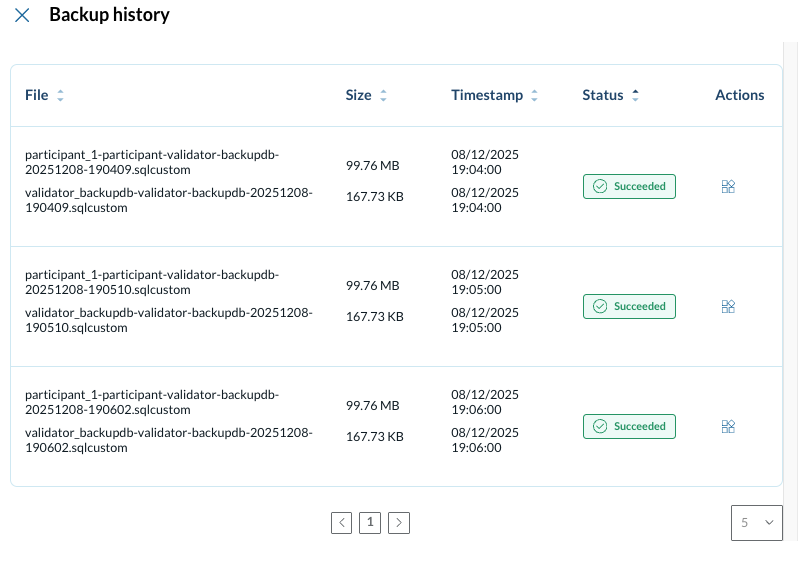
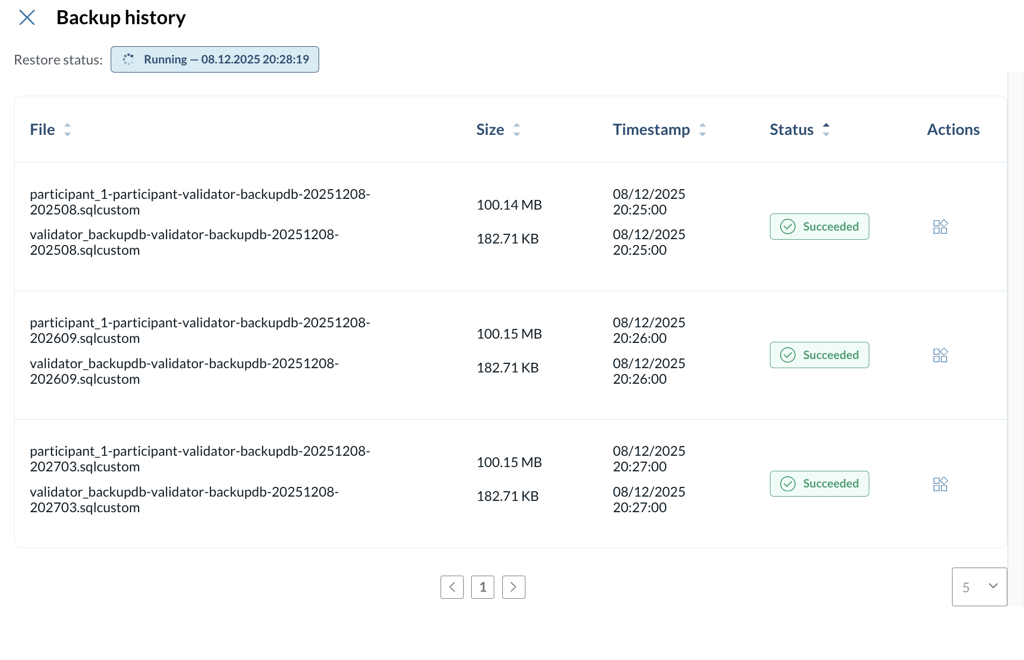
Validator Backups
When using a local database we can set up a scheduled backup of the container.
Creating a Backup Schedule
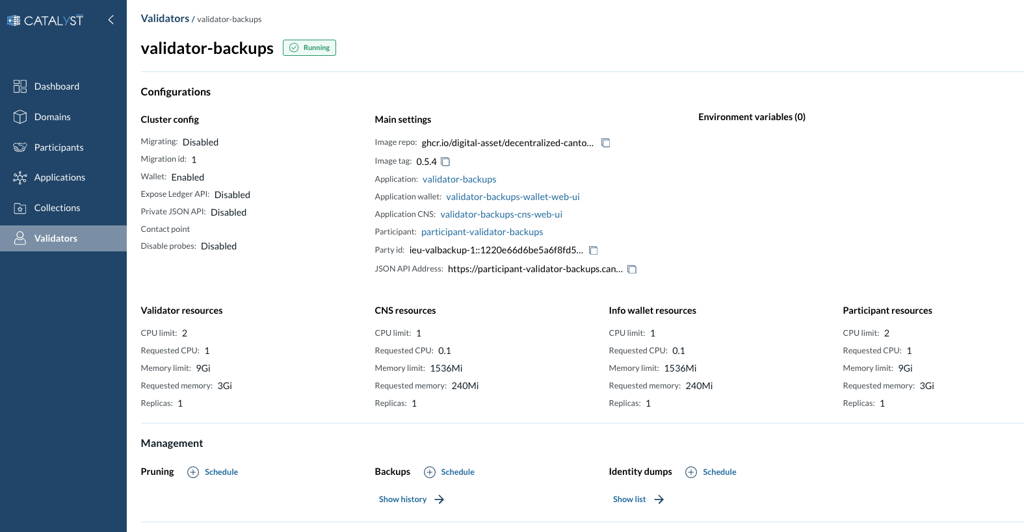
Figure 1. Creating a backup schedule.
On the validator page select the Schedule button in the Backups section on the validator page.
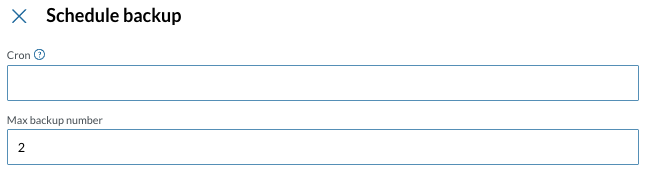
Figure 2. Creating a backup schedule.
On the Schedule backup page fill the following fields:
-
Cron - Cron expression according to the standard Unix cron syntax
-
Max backup number - the maximum amount of backups to maintain
|
Before setting a schedule make sure the cluster can accommodate the volumes created by the backups. The cluster should have space available equal to: (Max backup number + 1) * Validator database volume size |